Users can search pirTarBase2 by inputting a RNA transcript name (e.g. C52E2.6.1) or a gene name (e.g. fbxb-97)

After pressing the Search button, pirTarBase2 returns several kinds of information:
1. the basic information of the queried gene and the input settings

2. the piRNA target sites identified by CLASH algorithm

By clicking the “Show target sites” button, users will be directed to another page providing the detailed information of the piRNA target sites found on the RNA of interest. This page contains three sections:
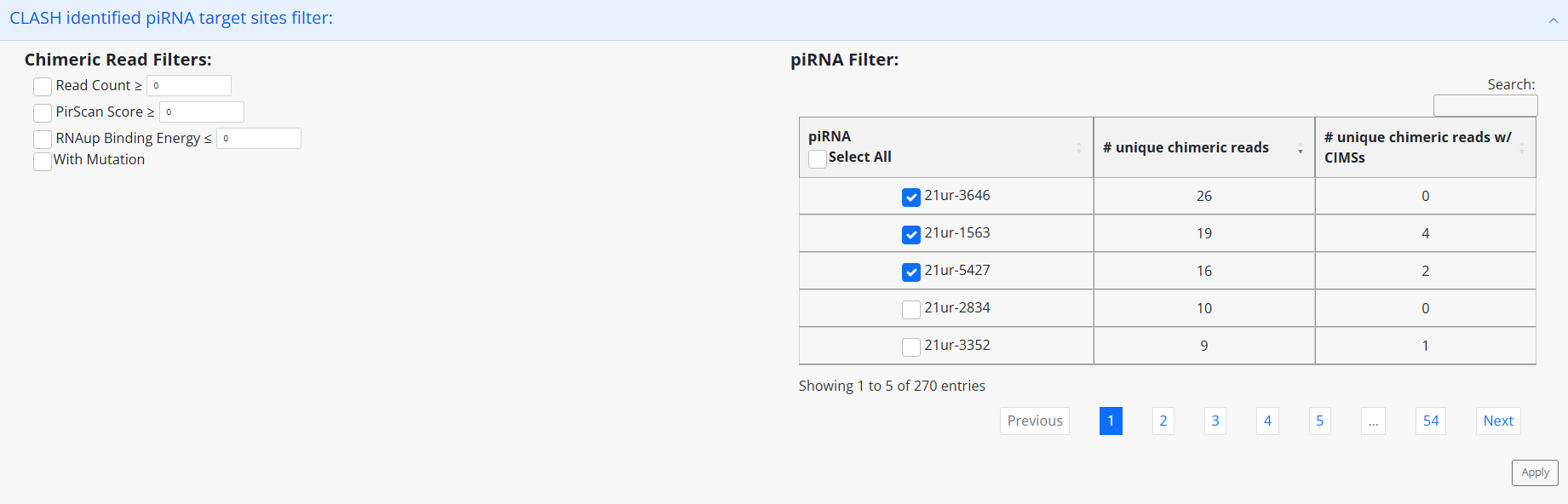
1. the filters to further screen the results if users think that all the results shown at the same time is too messy.
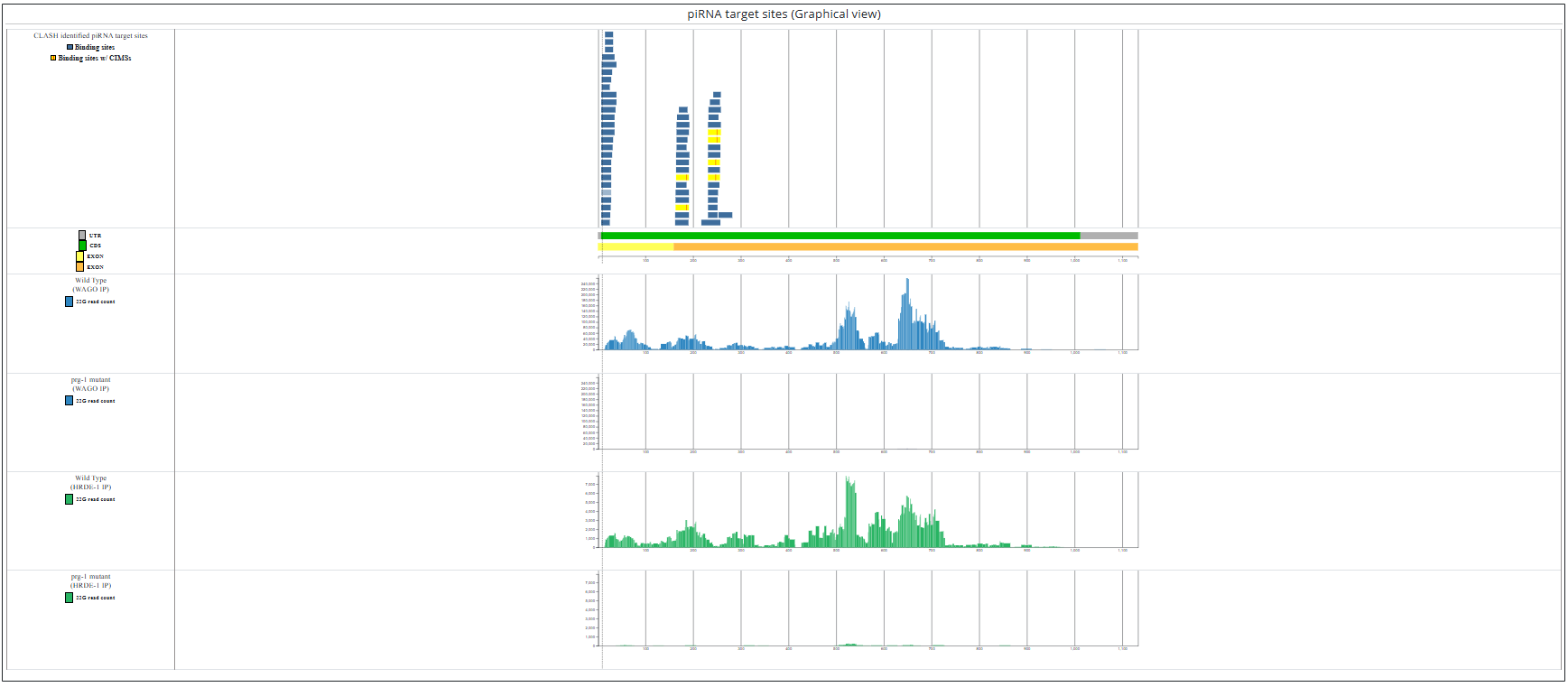
2. the figures showing the locations of the identified piRNA target sites and the identified cross-linked induced mutations.
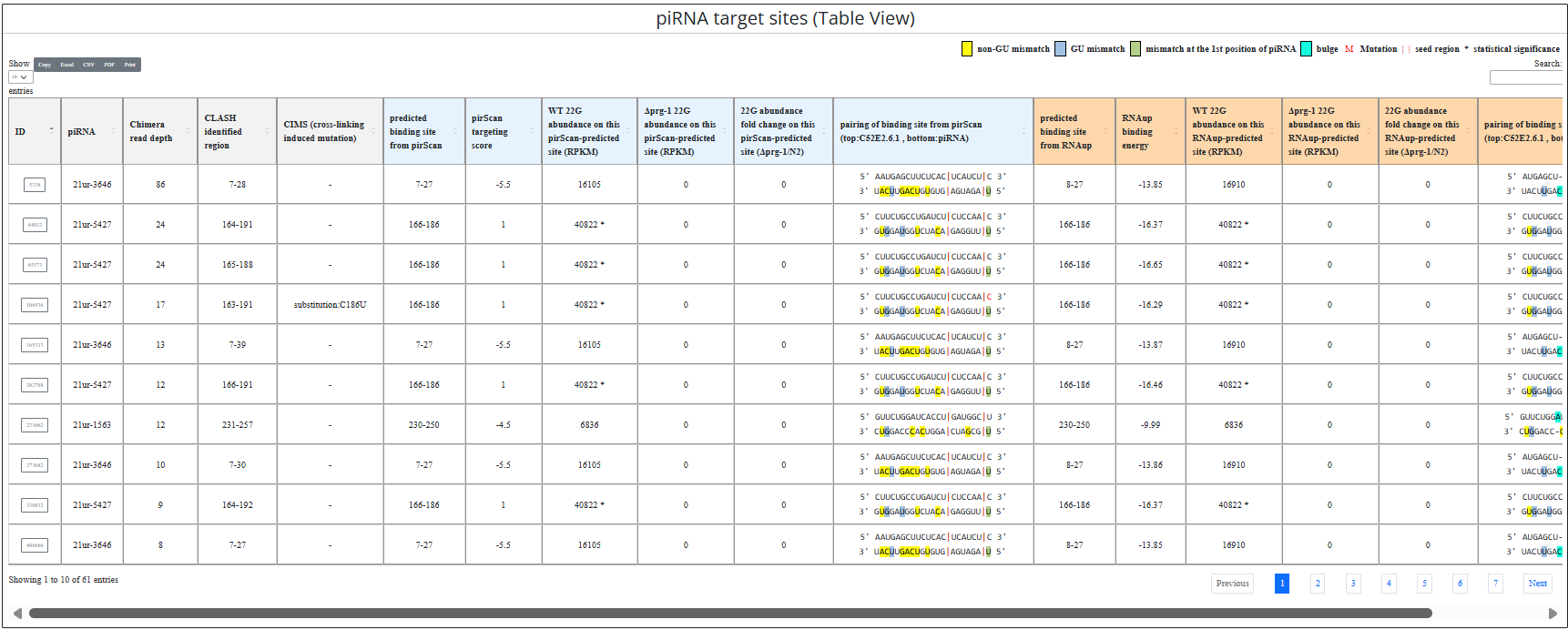
3. the table showing the details of the identified piRNA target sites
Users can search pirTarBase2 by inputting a piRNA name (e.g. 21ur-4863).
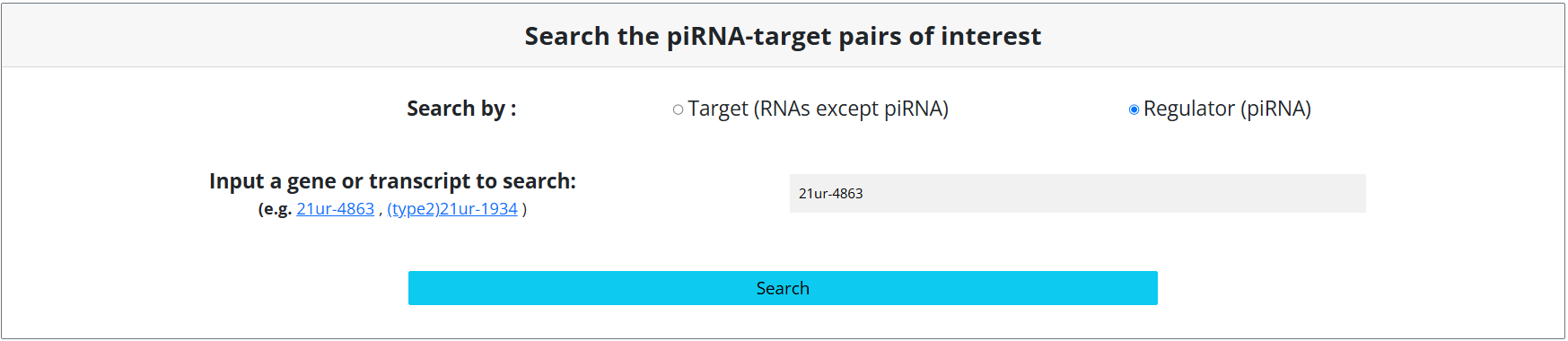
After pressing the Search button, pirTarBase returns several kinds of information:
1. the basic information of the queried piRNA and the input settings
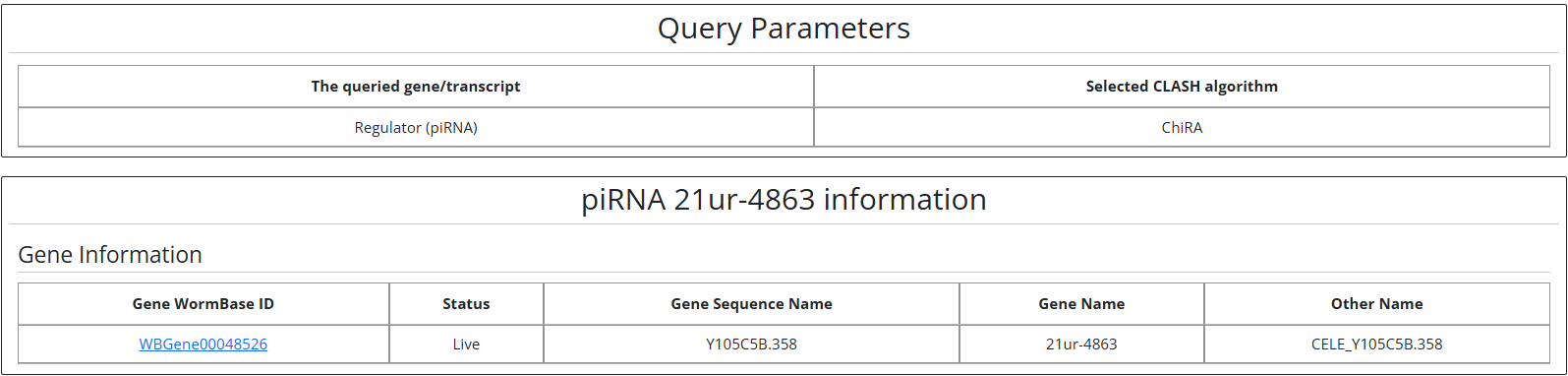
2. the target RNAs of the queried piRNA
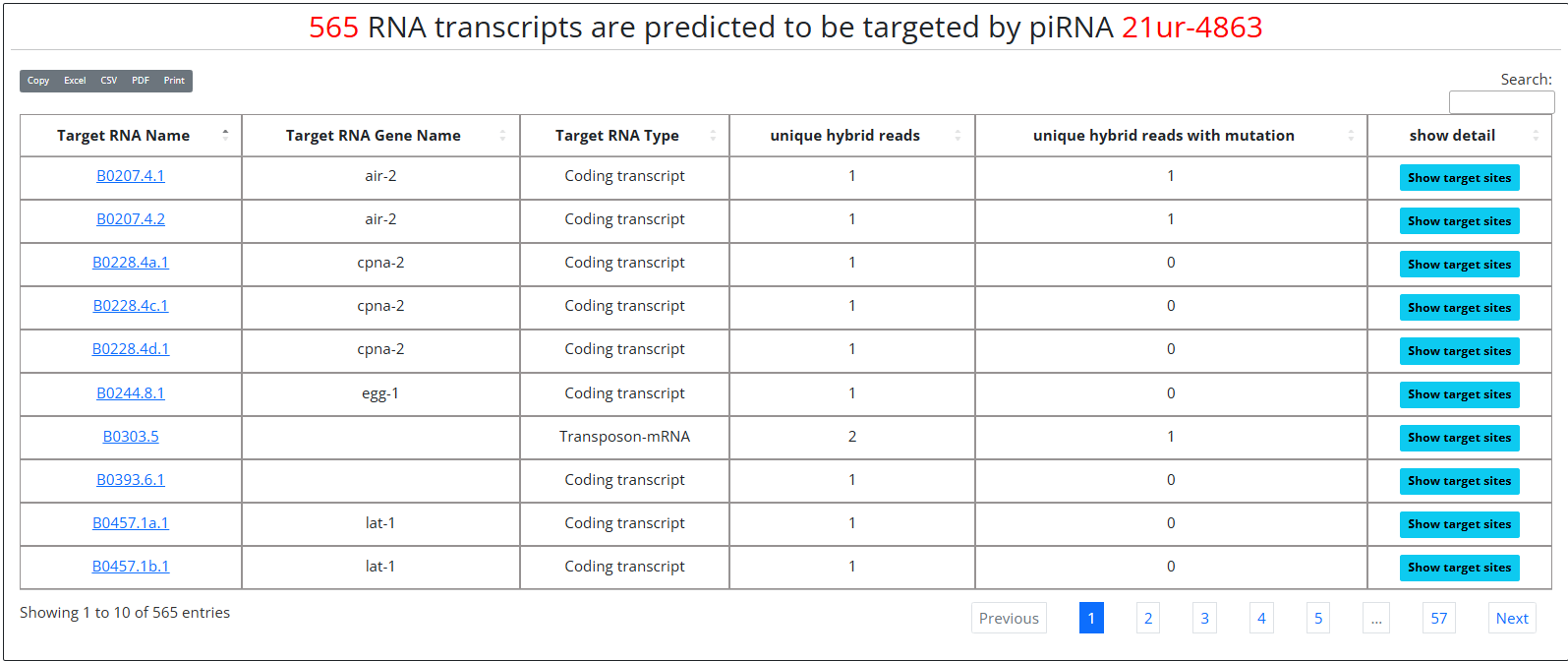
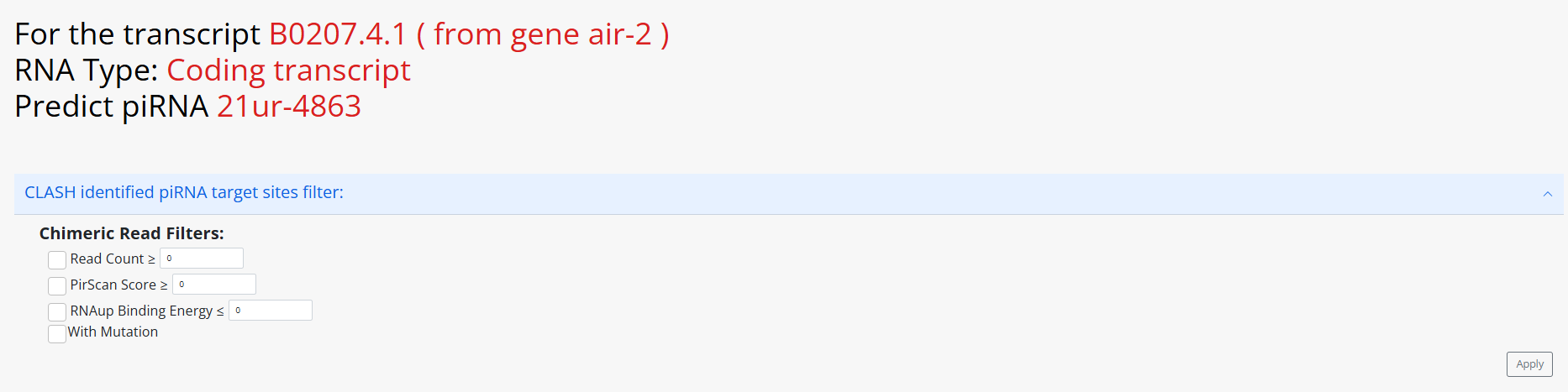
By clicking the “Show target sites” button, users will be directed to another page providing the detailed information of the queried piRNA's target sites found on the chosen RNA of interest. This page contains three sections:
1 the filters to further screen the results if users think that all the results shown at the same time is too messy.
2. the figures showing the locations of the identified piRNA target sites and the identified cross-linked induced mutations.
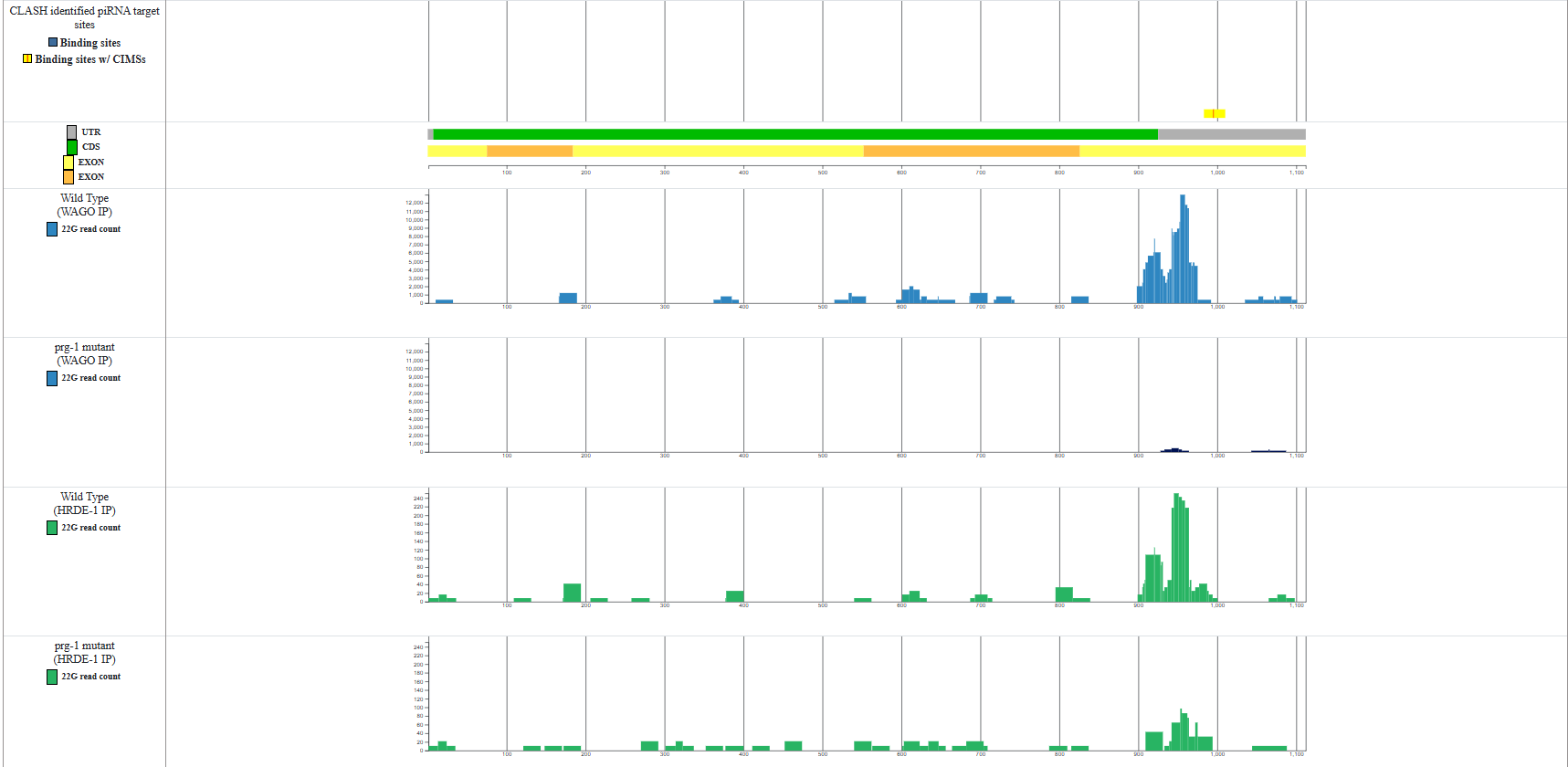
3. the table showing the details of the identified piRNA target sites

Users can browse the piRNA target sites of all genes of specific types. For example, users can browse the target sites of all genes which can generate mRNAs (i.e. protein-coding genes).
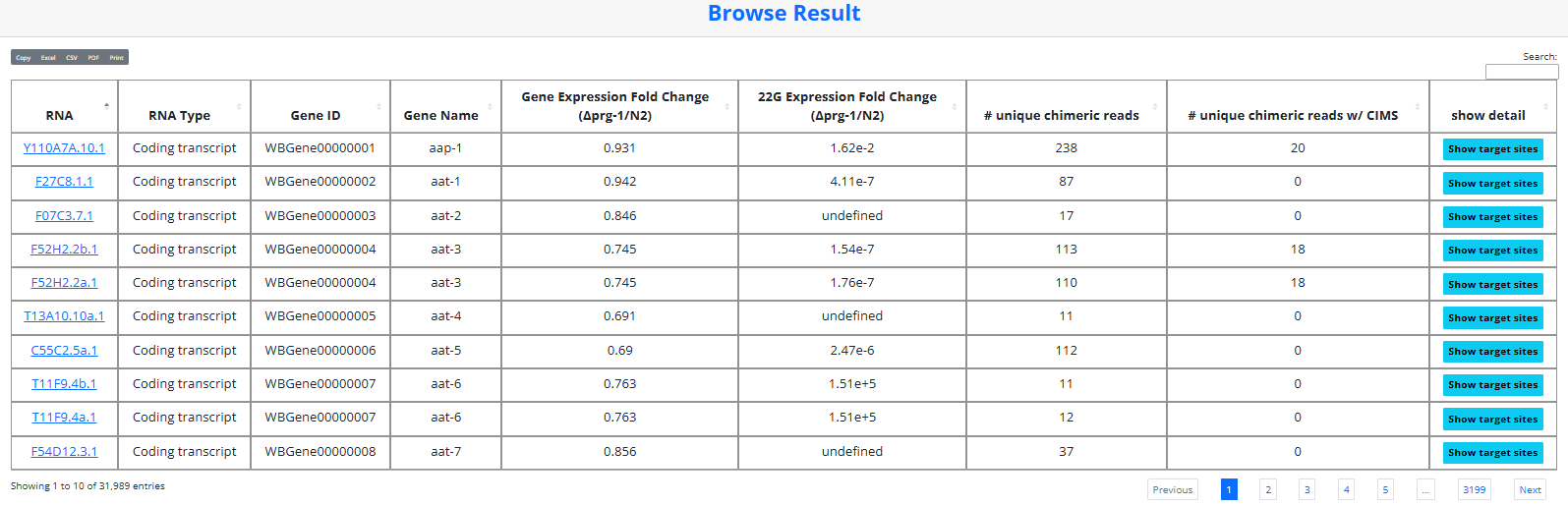
By clicking the “Show target sites” button, users will be directed to another page providing the detailed information of the piRNA target sites found on the RNA of interest just as introduced in the search mode.
Users can also browse the number of target genes of all piRNAs at the same time.

By clicking on the “show detail” button of a specific piRNA, users will be directed to another page showing the taget gene names of the chosen piRNA.
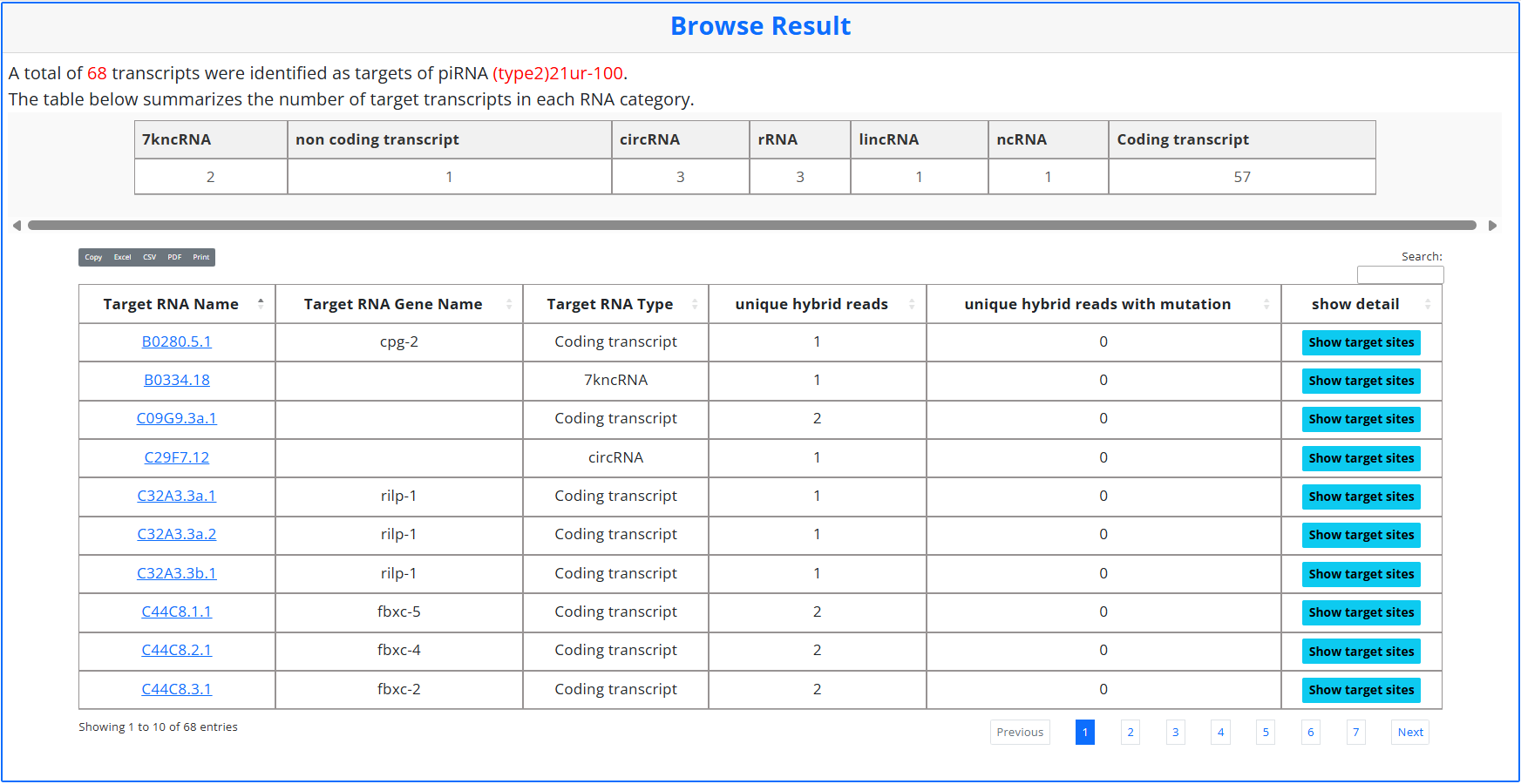
By clicking on the “show target sites” button, users will be directed to another page showing the details of the target site of a chosen piRNA on a chosen RNA just as introduced in the search mode.
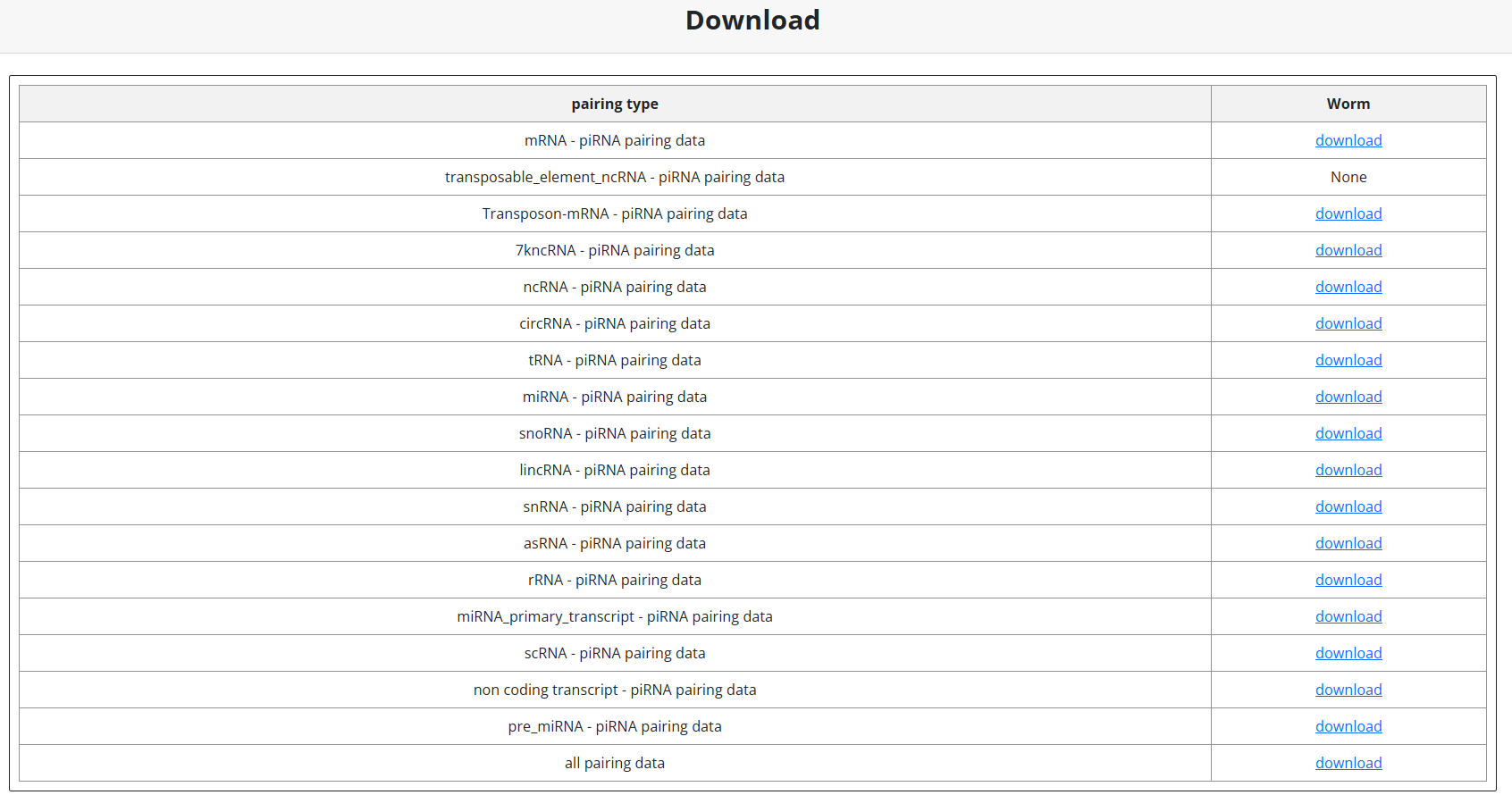
In the download page, users can download all the piRNA-target gene pairs.